
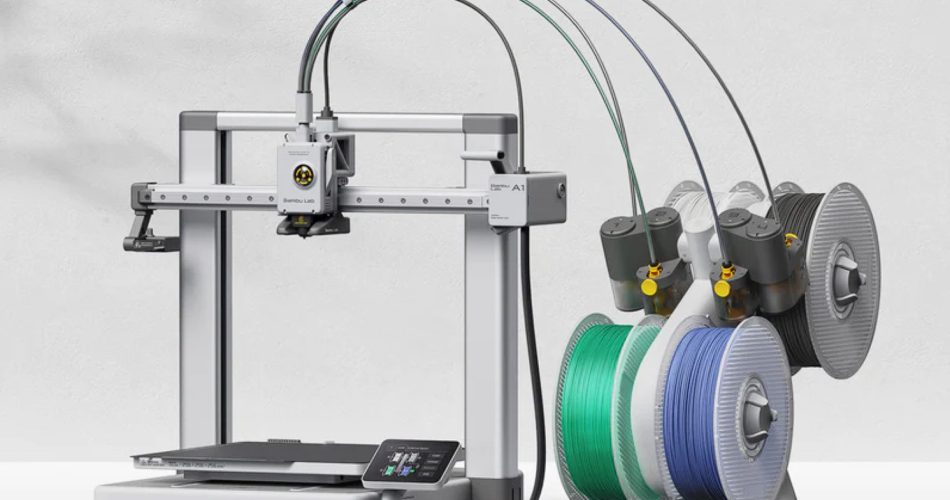
If you’ve been searching for a reliable beginner-friendly 3D printer, chances are you’ve seen the Bambu Labs A1 pop up everywhere. Trust me, after searching a few times on the internet about it, my algorithm was set for life on this printer being in my face. Sometimes having a blog has its rewards. Whether its monetary or the chance to be given a product to review, to me, either is a win. Luckily for me, I was given the chance to review this printer in exchange for my honest review.
After using the Bambu Labs A1 with the AMS Lite for the last two months, I can honestly say this printer has completely changed how I feel about home 3D printing and why I am a little obsessed.
This isn’t a “fresh out of the box” first-impression review, this is a real-world, daily-use breakdown of what it’s like owning and using the Bambu Labs A1 for actual projects, gifts, and product ideas.
Out of the Box Setup: Genuinely Beginner Friendly
One of the biggest reasons people quit 3D printing is setup frustration. The Bambu Labs A1 setup experience is refreshingly simple.
From opening the box to running the first test print, the process is smooth and surprisingly stress-free:
- Clear, step-by-step printed instructions with colored stickers
- Most components pre-assembled
- Simple cable connections with labeled ports
- Automatic calibration handled by the printer
- No firmware headaches or guesswork
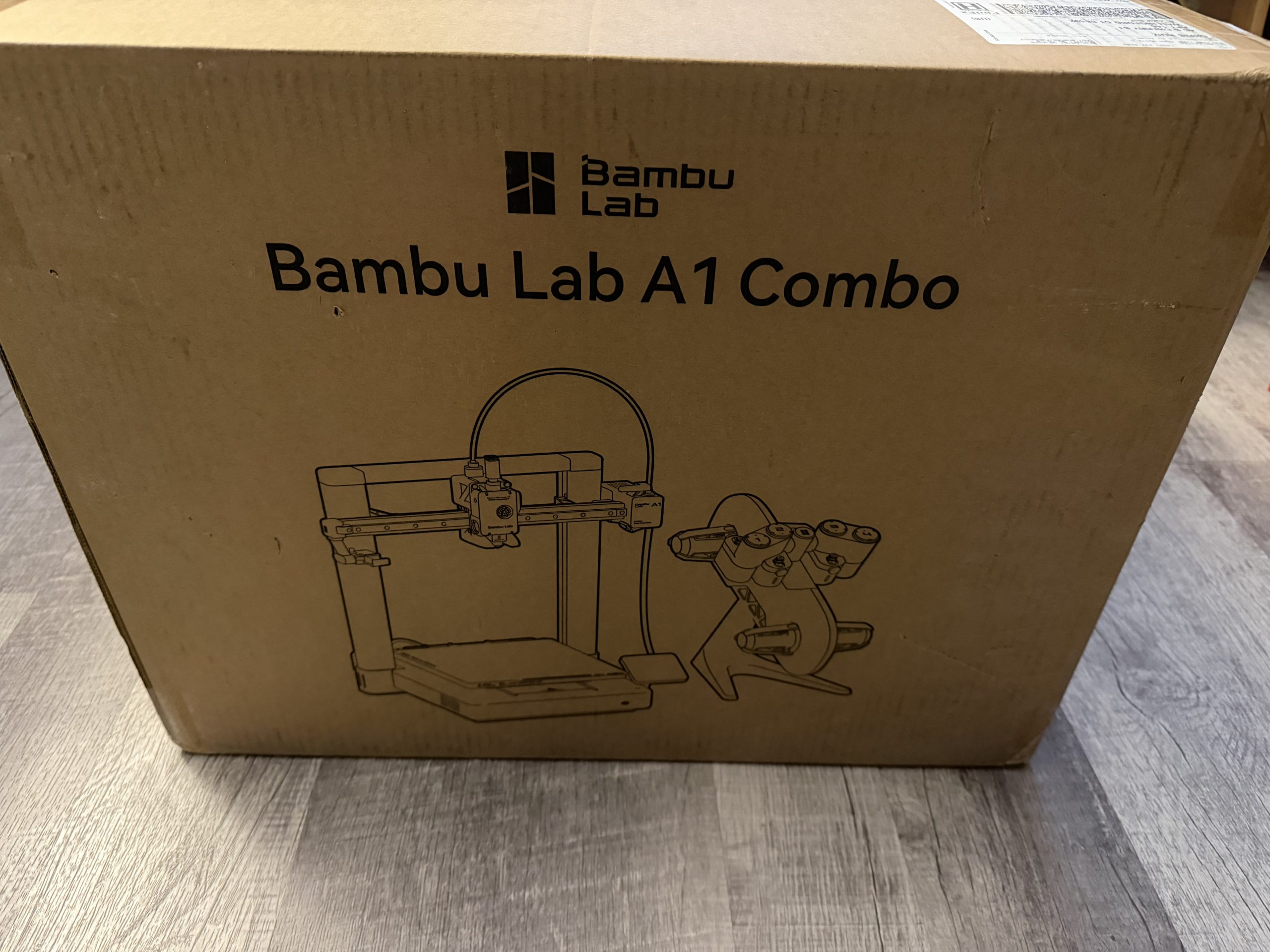
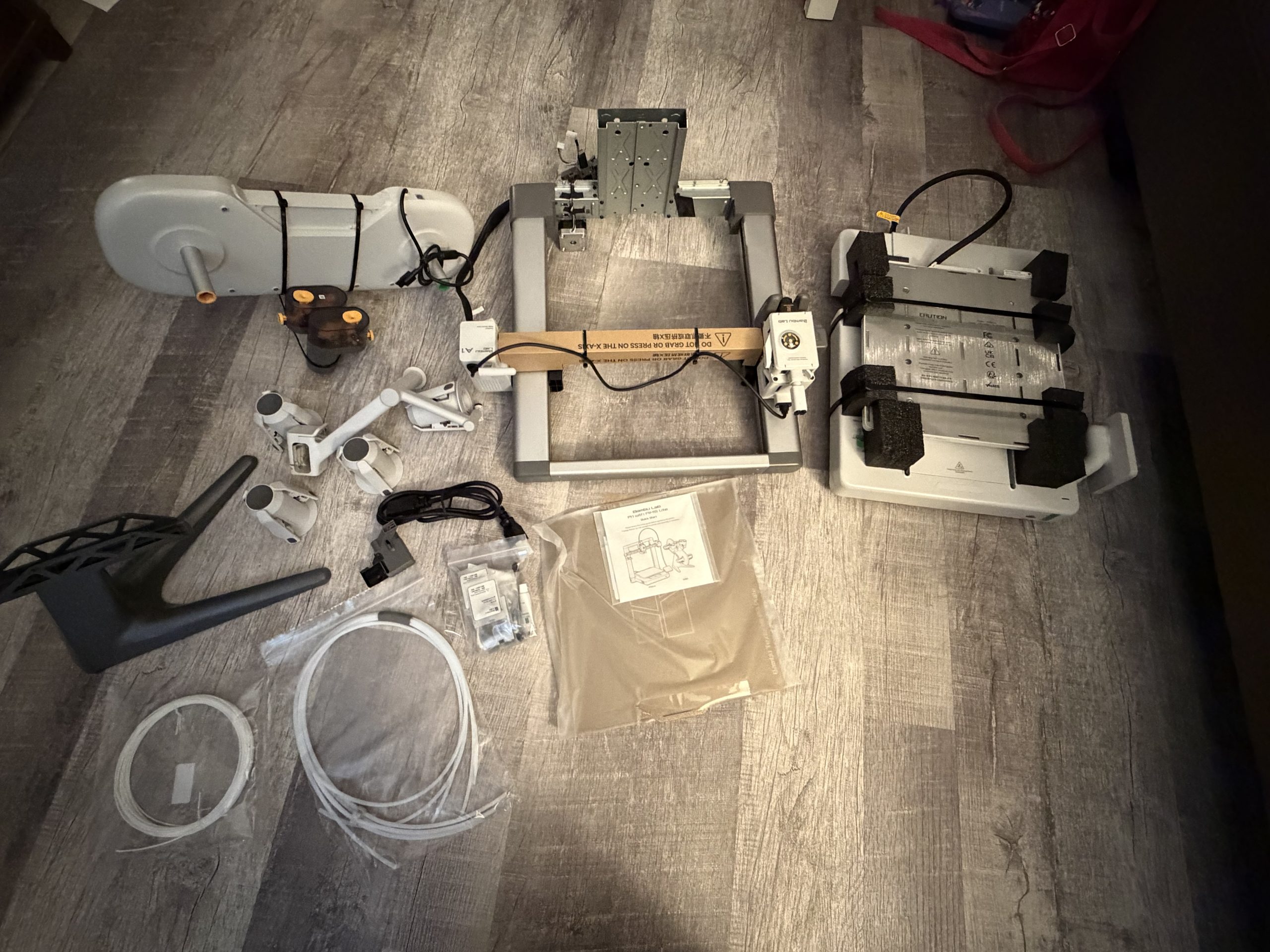
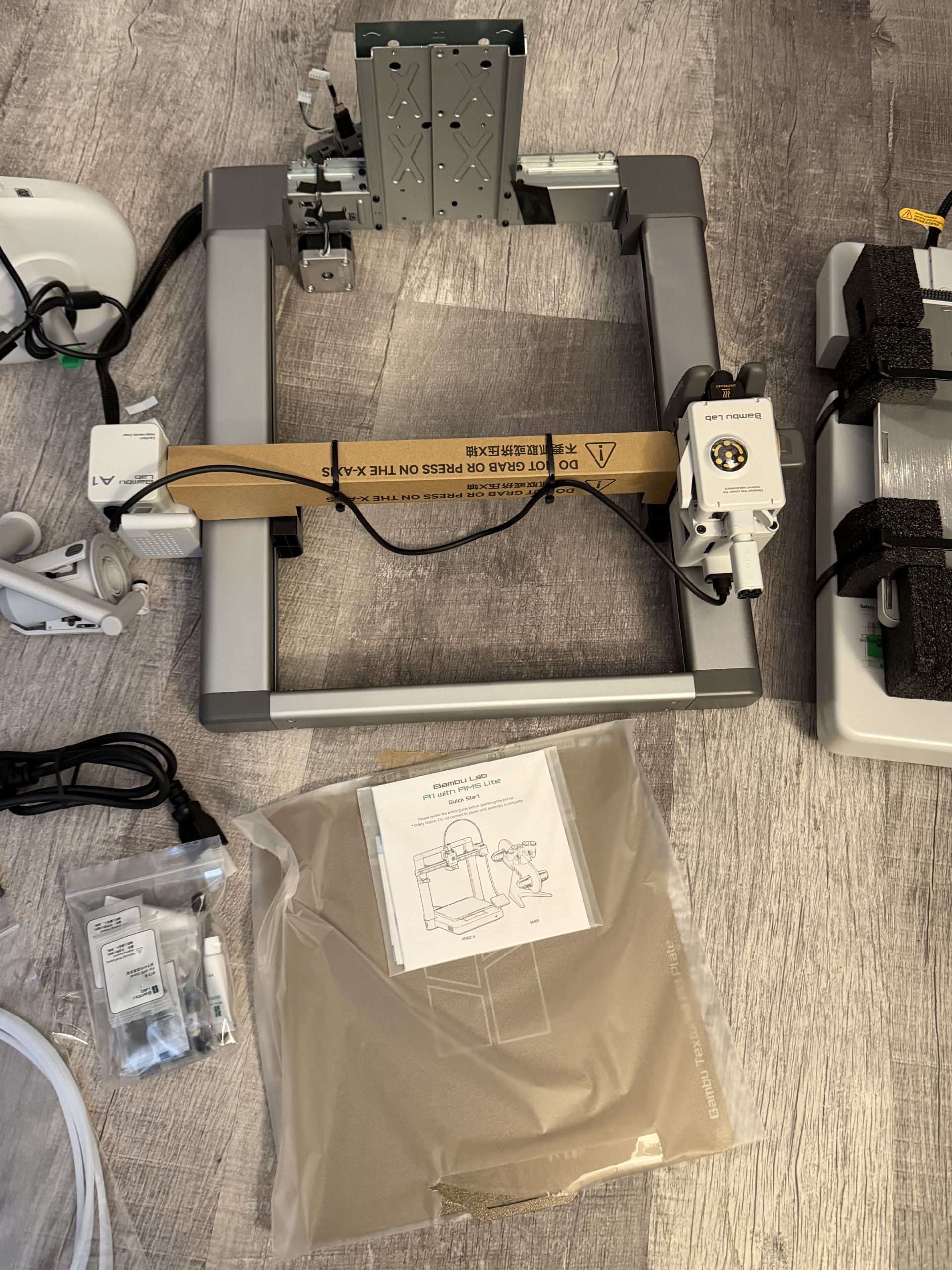
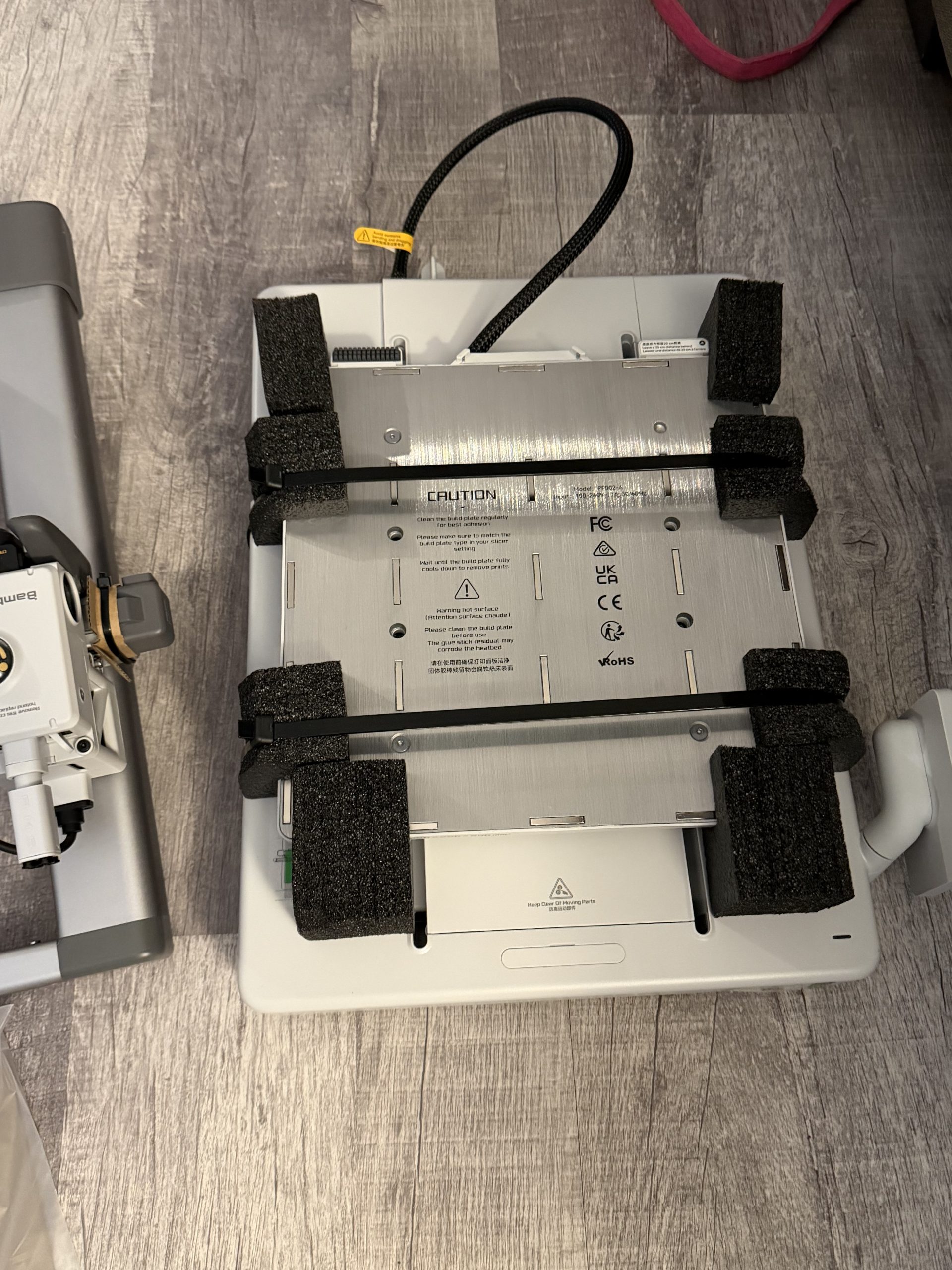
Within about 30 minutes, I was printing my first print. No hours of tinkering, no confusing menus. No “did I wire this right?” panic. Instructions were clearly marked where things had to be screwed in and assembled. If you’re looking for an easy 3D printer for beginners, this is exactly what that phrase should mean.
AMS Lite: Multi-Color Printing Without the Headache
The AMS Lite is one of my favorite parts of the Bambu Labs A1 ecosystem. Multi-color printing usually means jams, tuning issues, and wasted filament. That wasn’t my experience here.
After two months of steady use, the AMS Lite has been:
- Reliable with filament loading
- Quick to switch colors
- Clean with minimal stringing
- Consistent across long prints
- Easy to troubleshoot if something goes wrong
For anyone who wants to sell prints, make gifts, or design products, multi-color 3D printing becomes a real advantage. The AMS Lite makes it practical instead of painful.
Software Experience: PC and Phone App Are Shockingly Simple
The software side of 3D printing is often where things get messy. Not here.
Both the desktop slicer software and the mobile app are clean, fast, and intuitive:
- Upload prints directly from your computer
- Start and monitor prints from your phone
- Get real-time progress updates
- Easily manage filament profiles
- Simple error alerts if something goes wrong
Being able to start a print from my PC and then check progress from my phone while I’m out is one of those small features that ends up feeling huge in daily use.
This alone makes the Bambu Labs A1 feel more like a modern smart device than a hobby machine.
Print Quality and Reliability After 2 Months
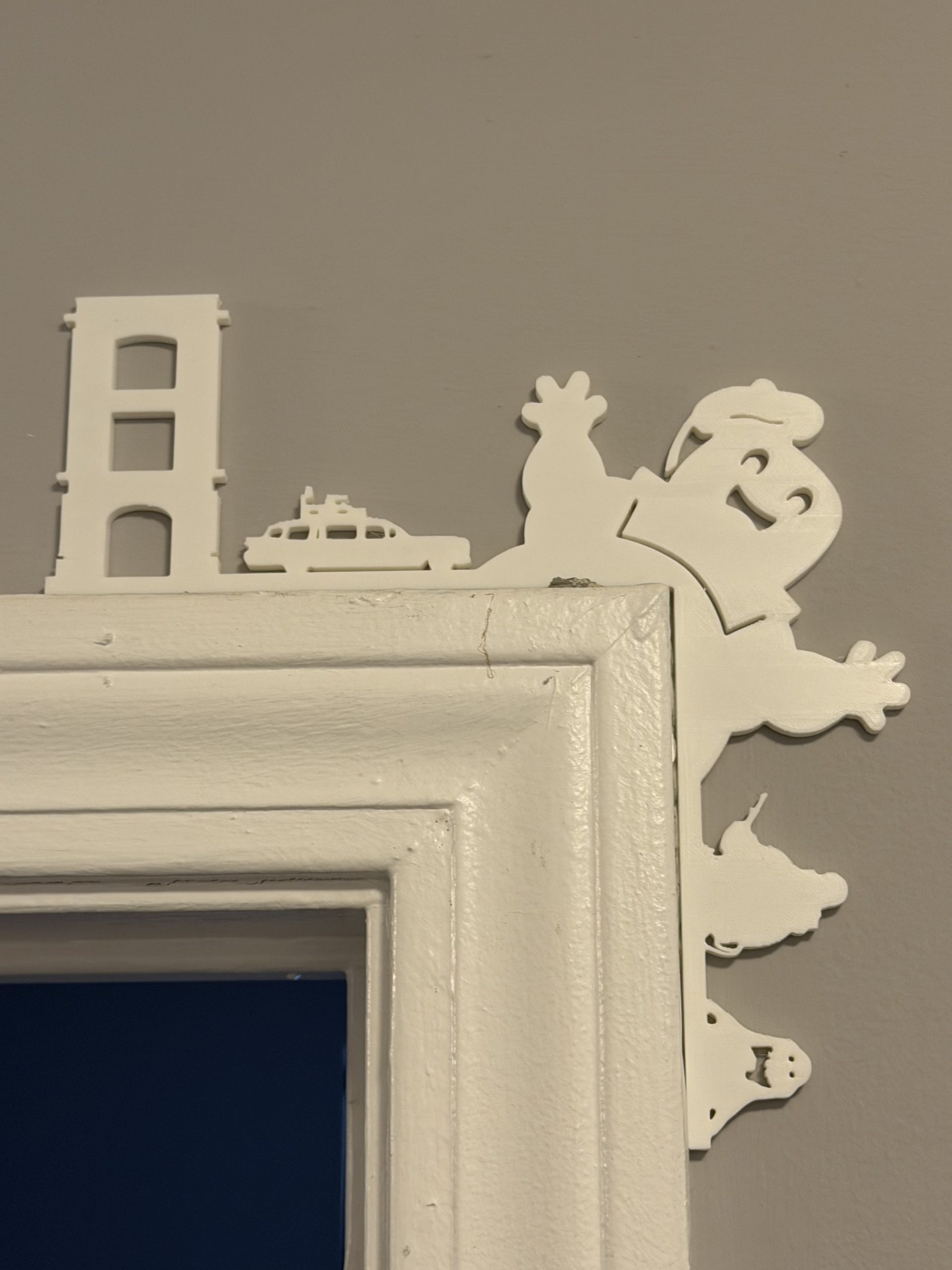
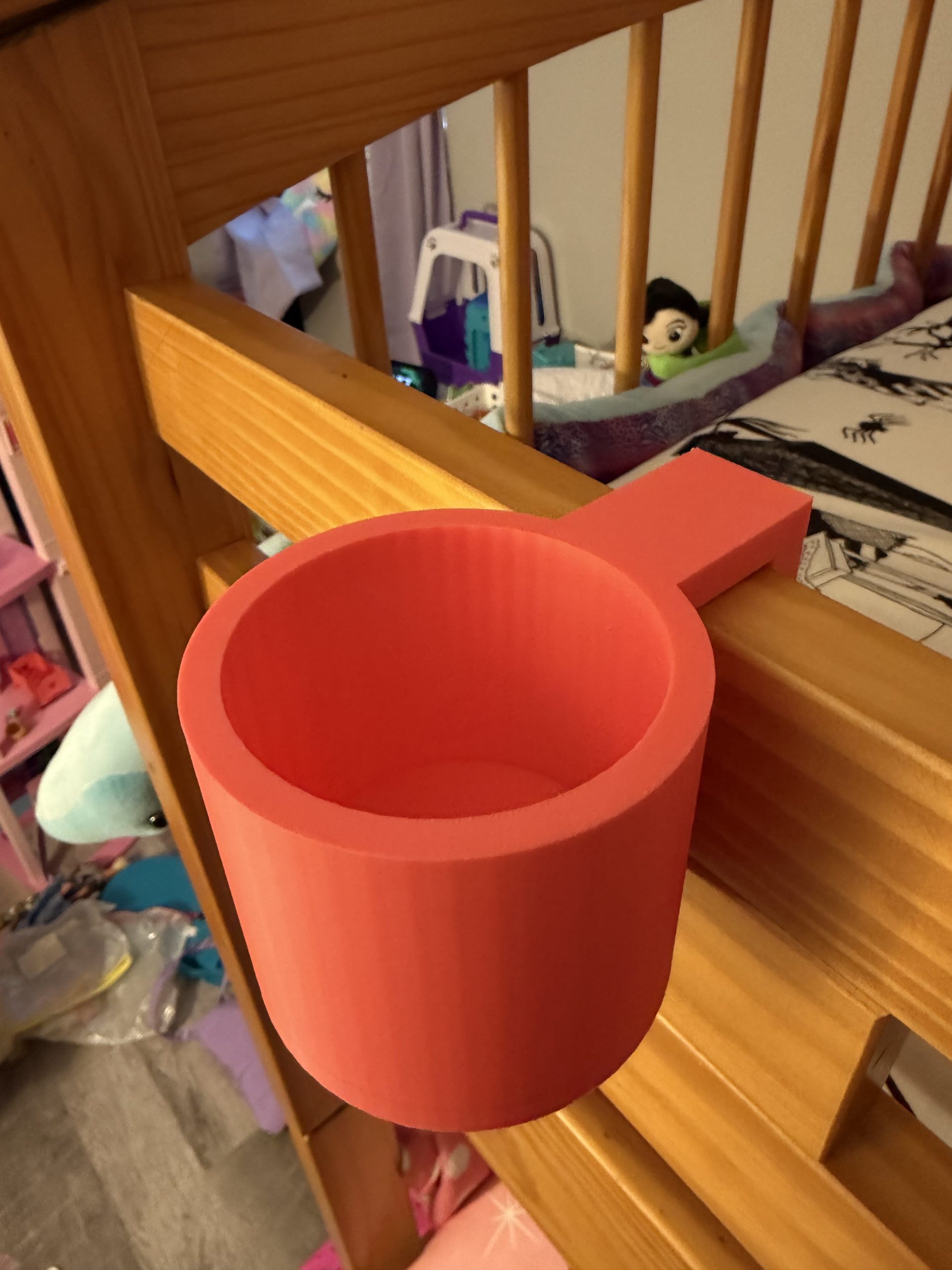
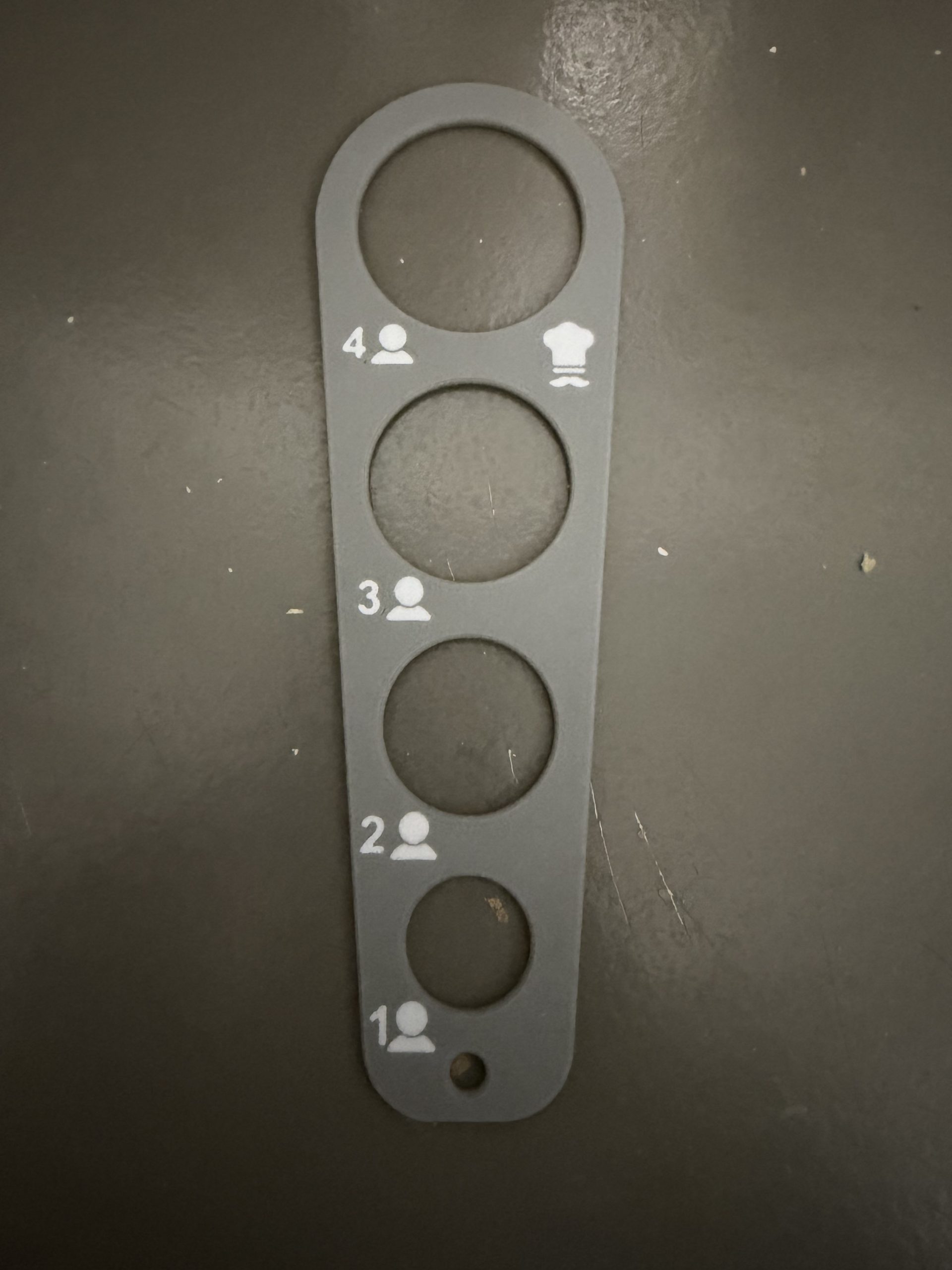
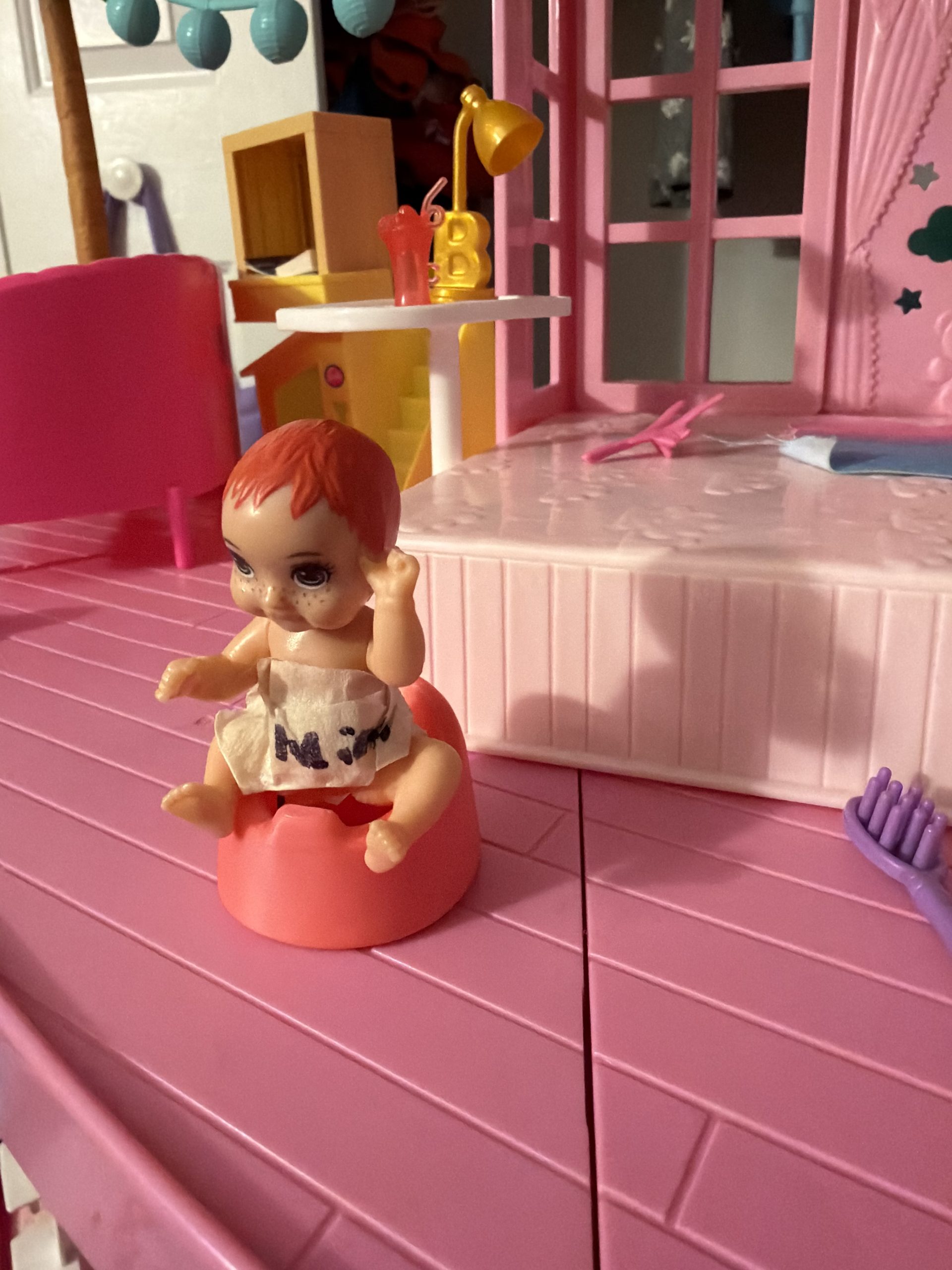
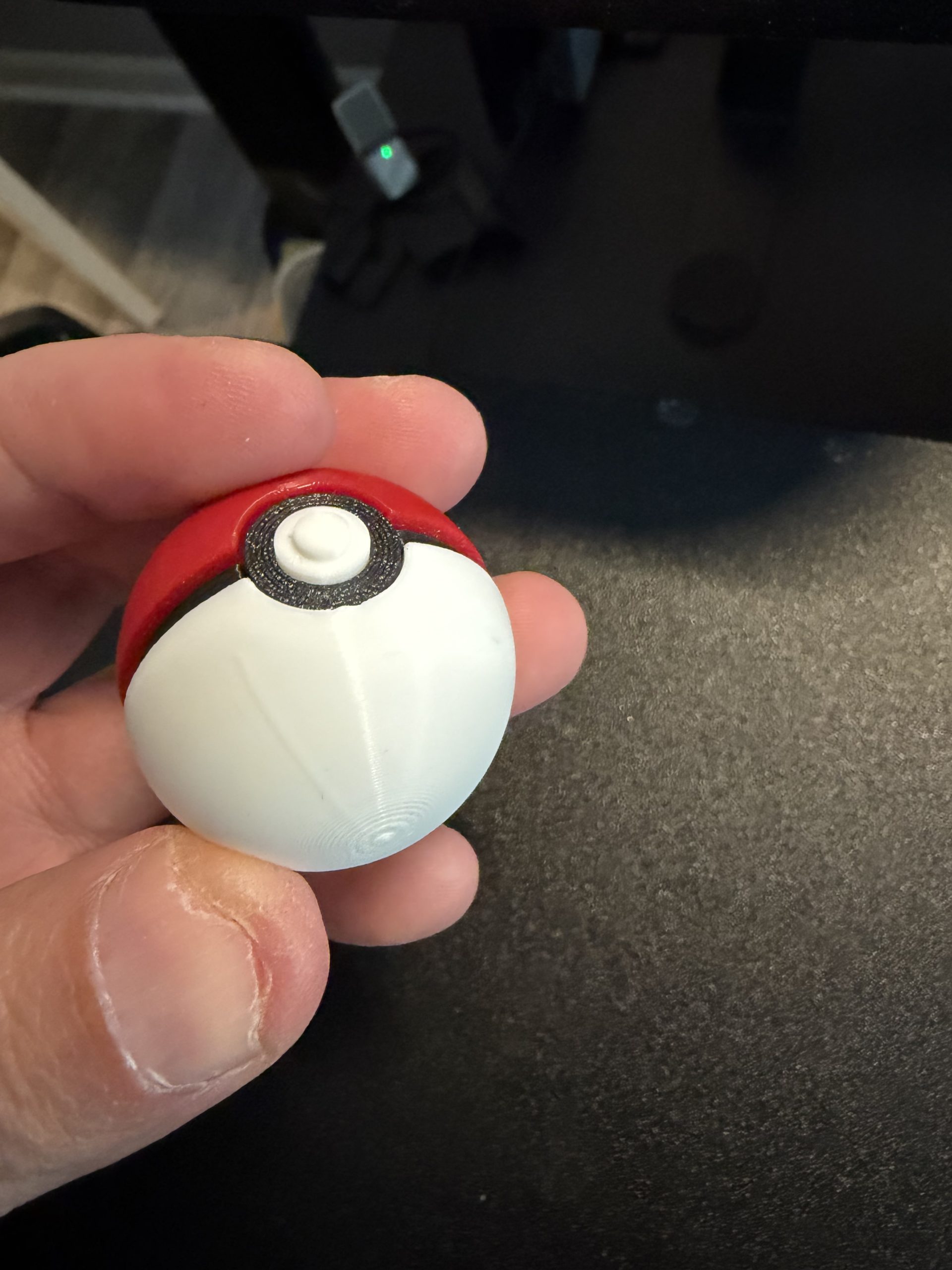
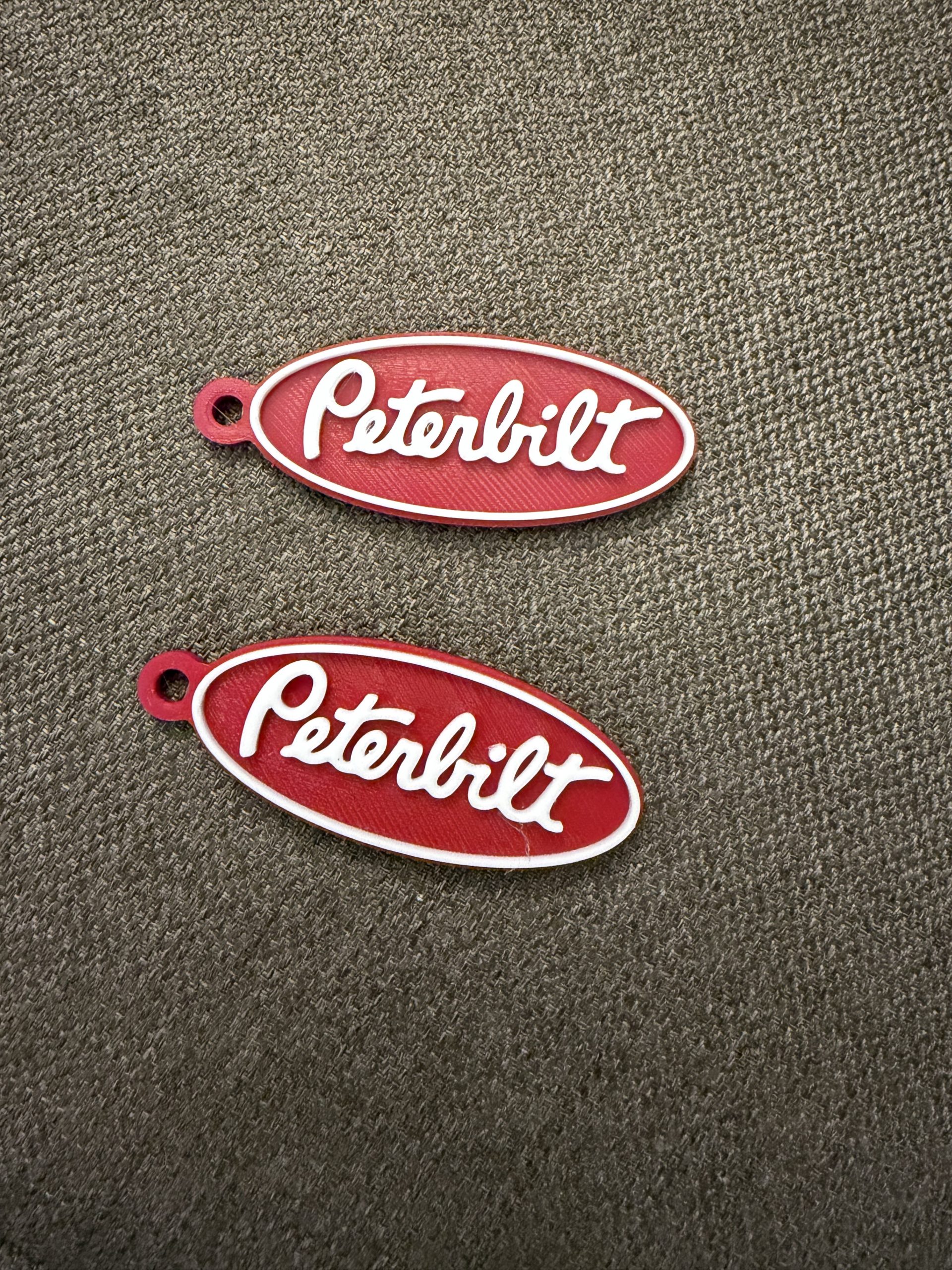
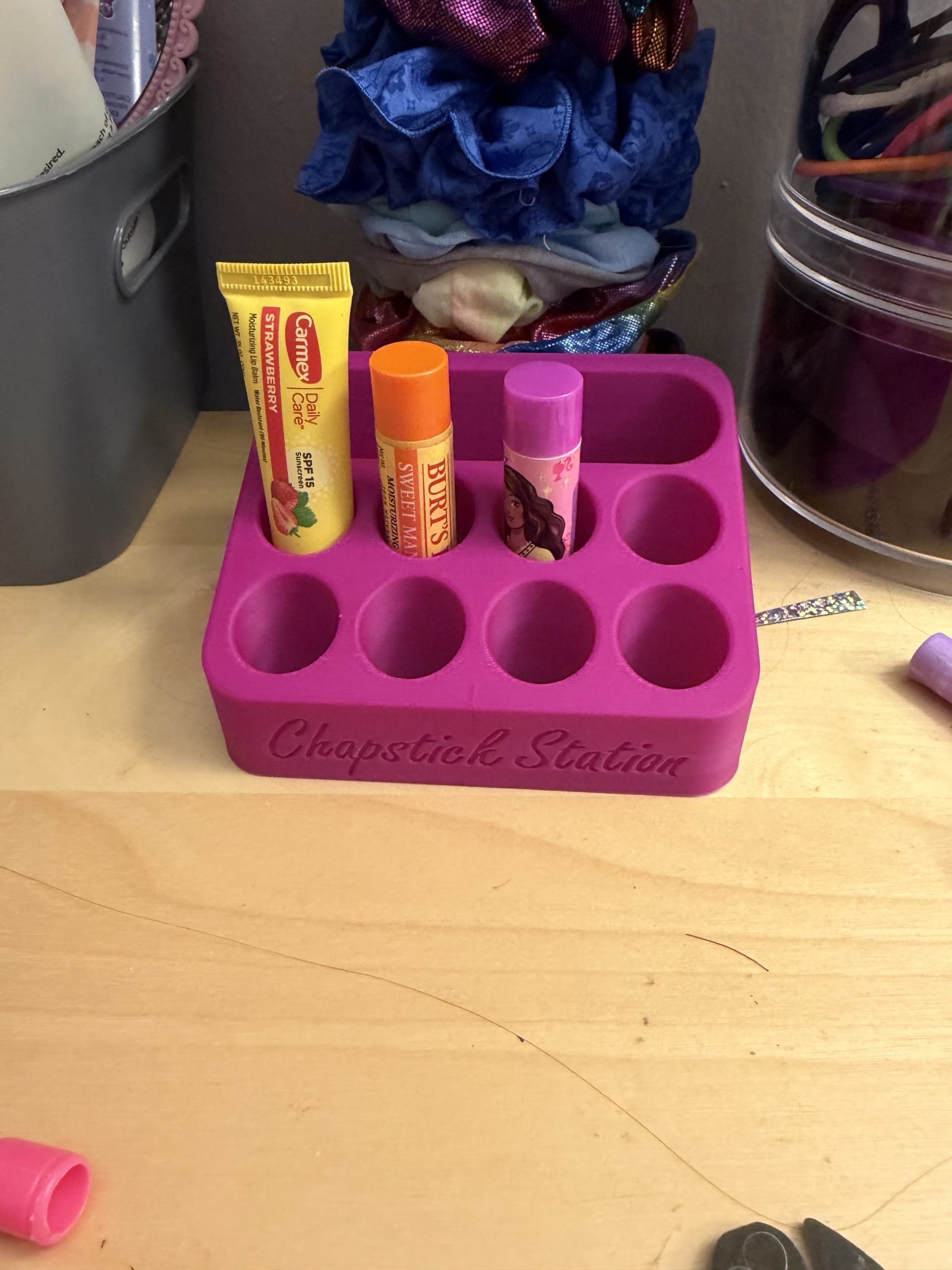
After two months of consistent use, I’ve printed:
- Keychains
- Mini organizers
- Toy accessories (lots of Barbie items)
- Custom gifts
- Coasters and more
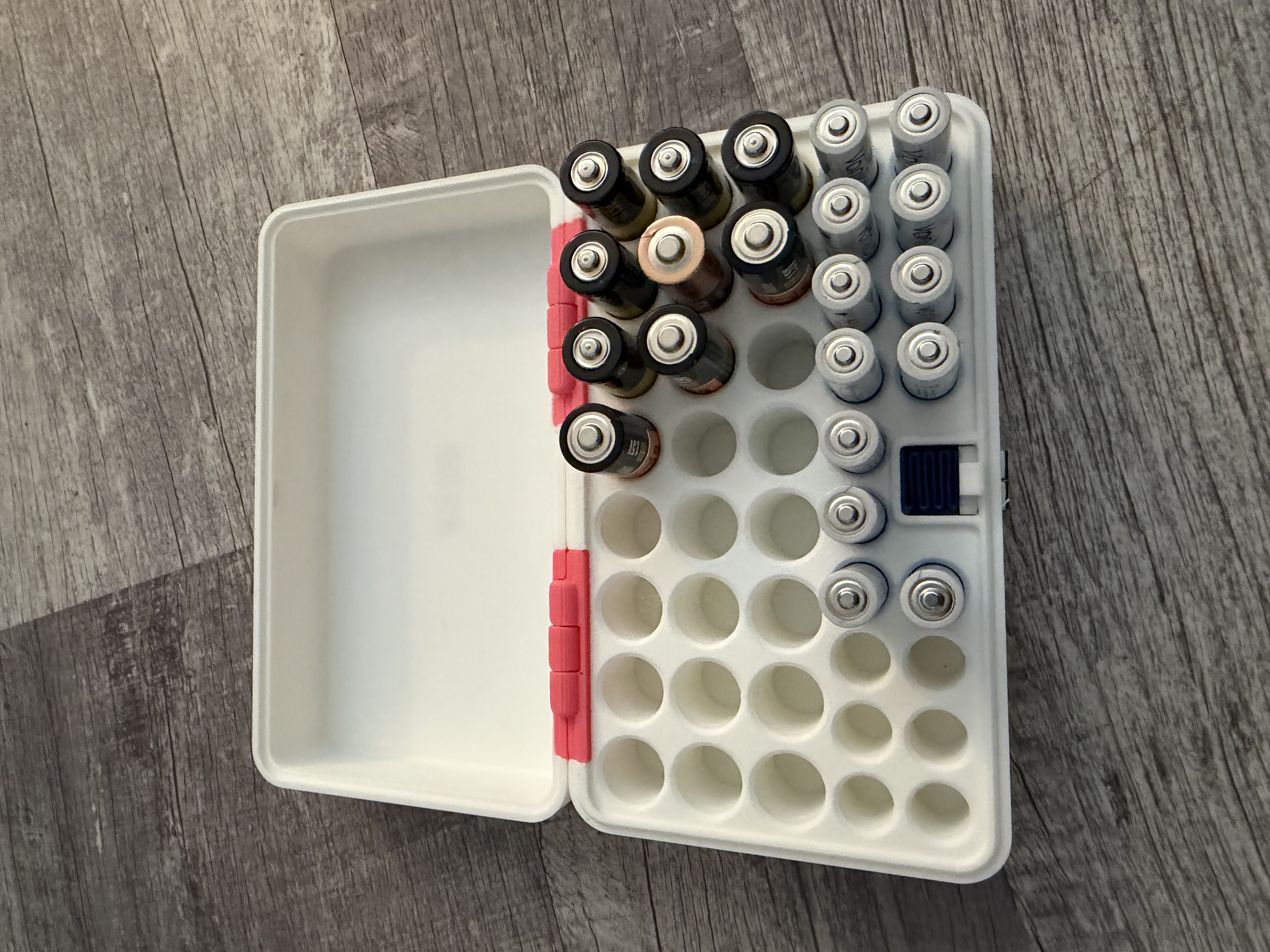
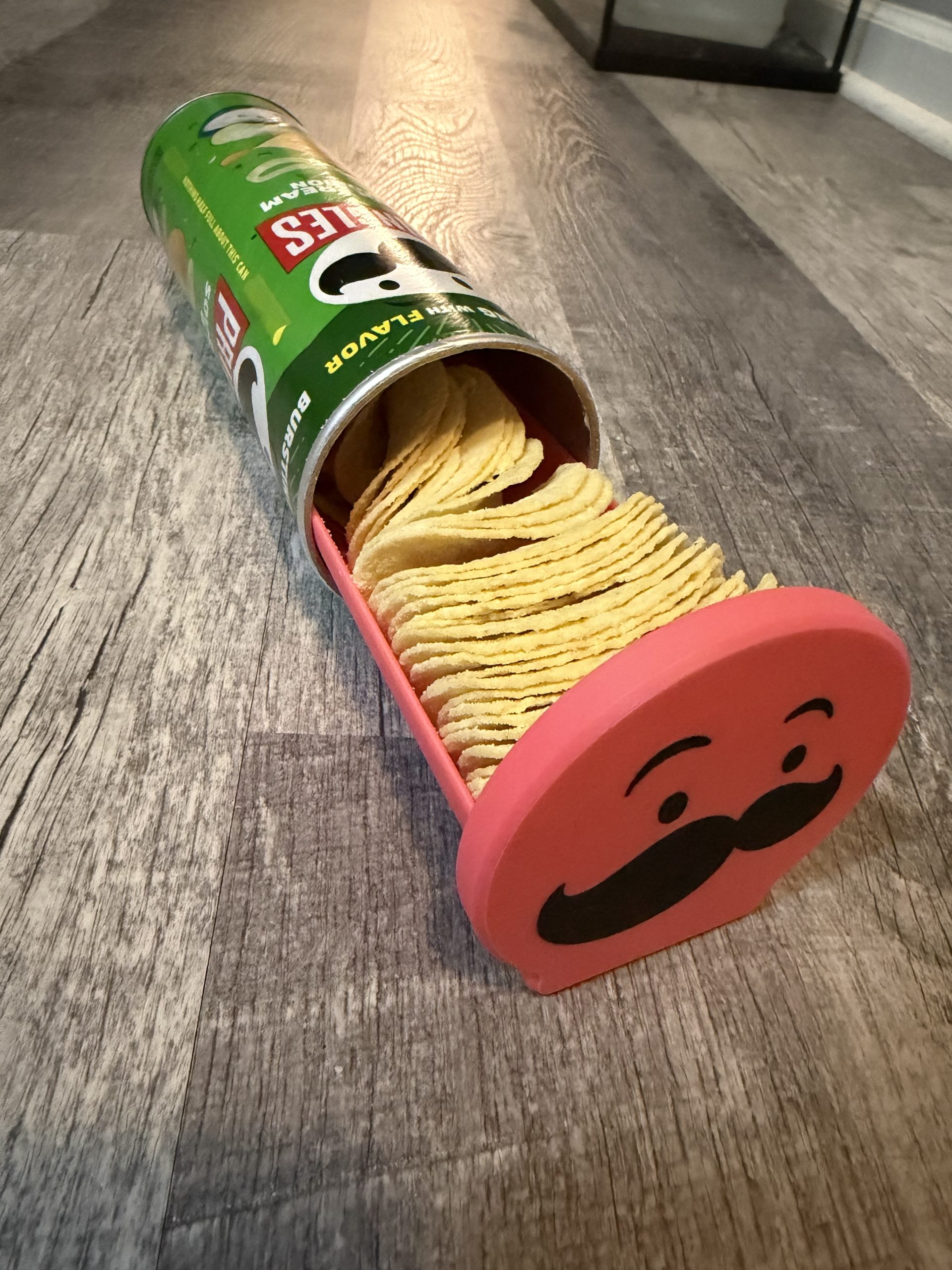
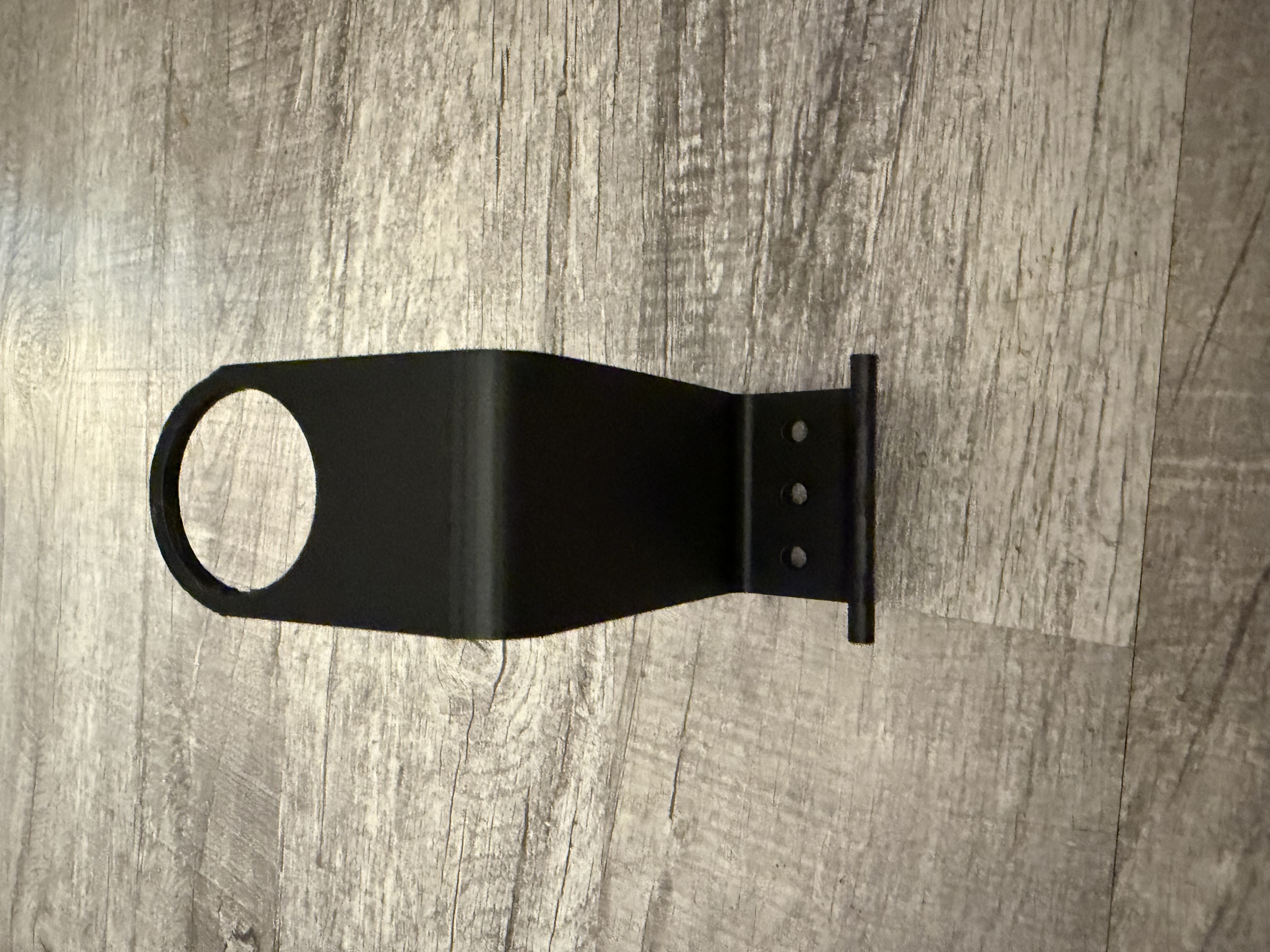
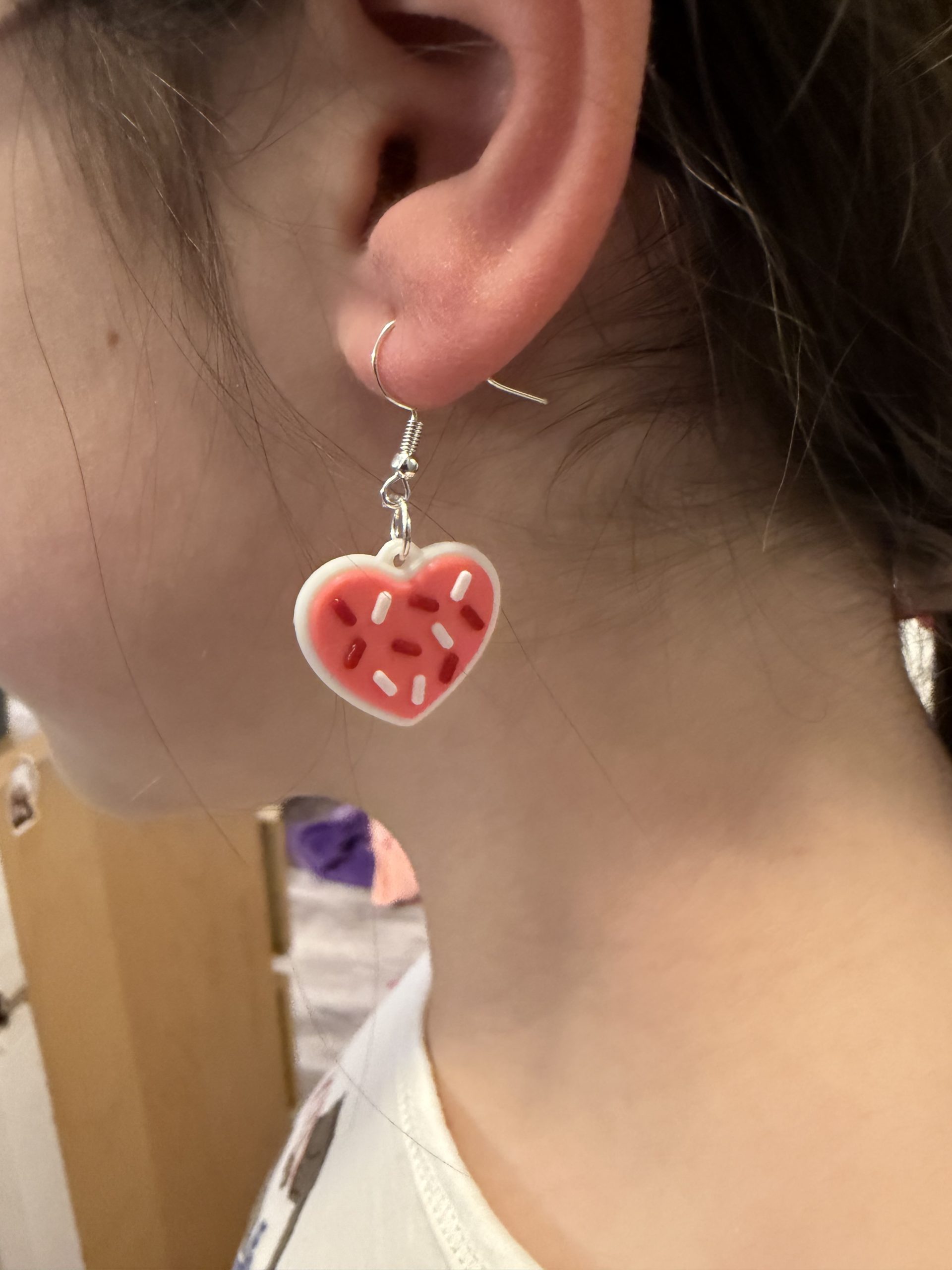
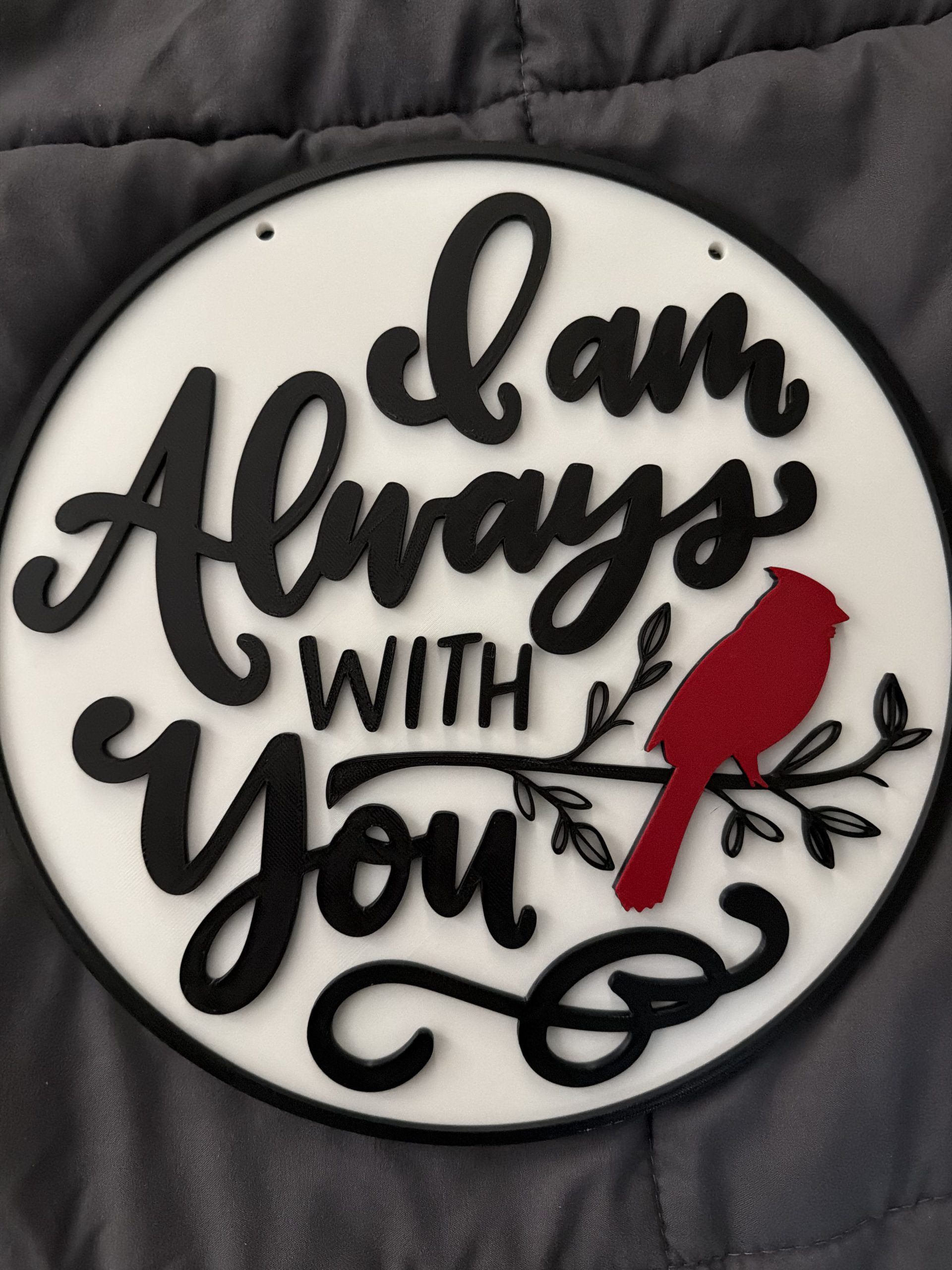
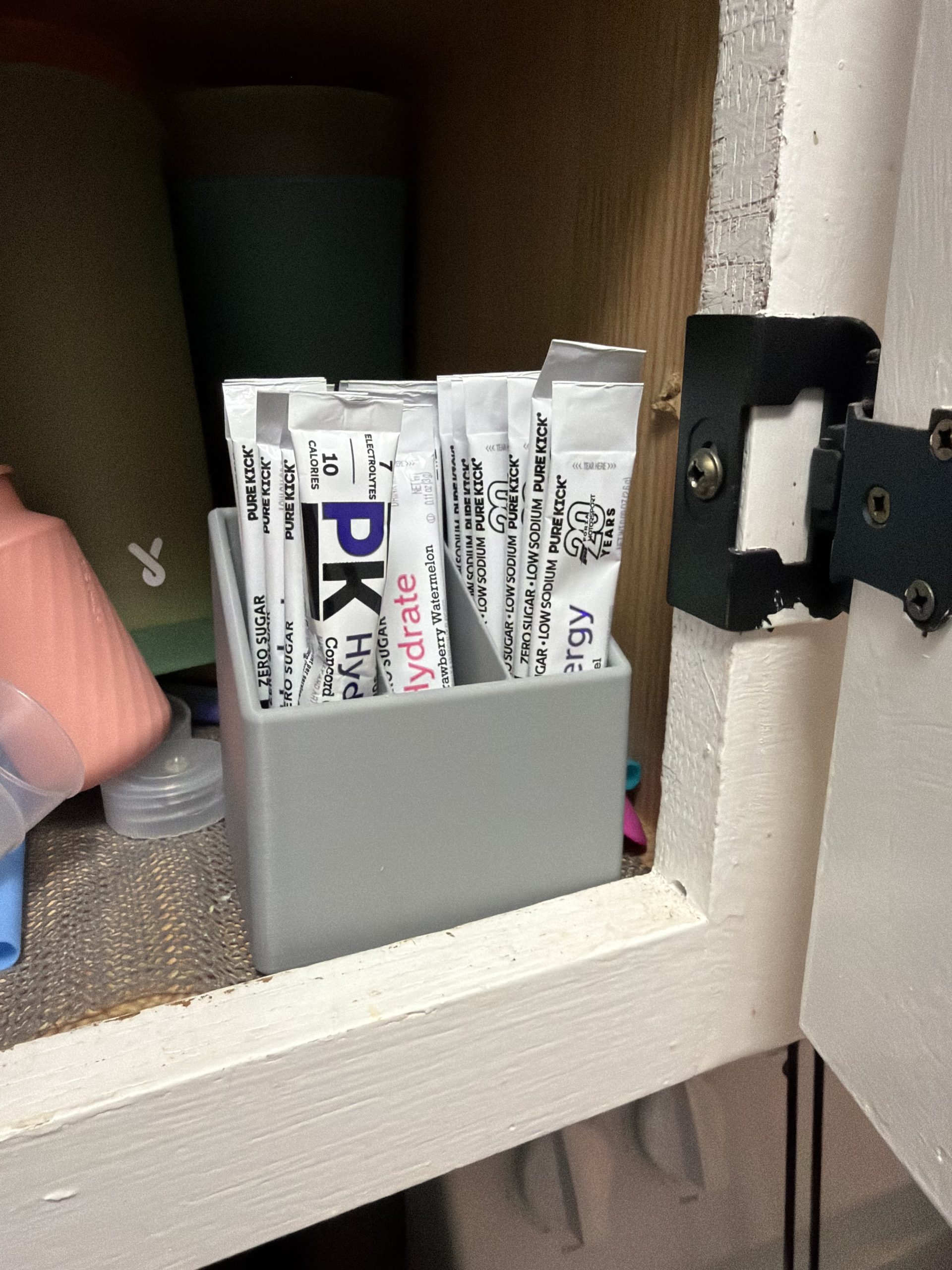
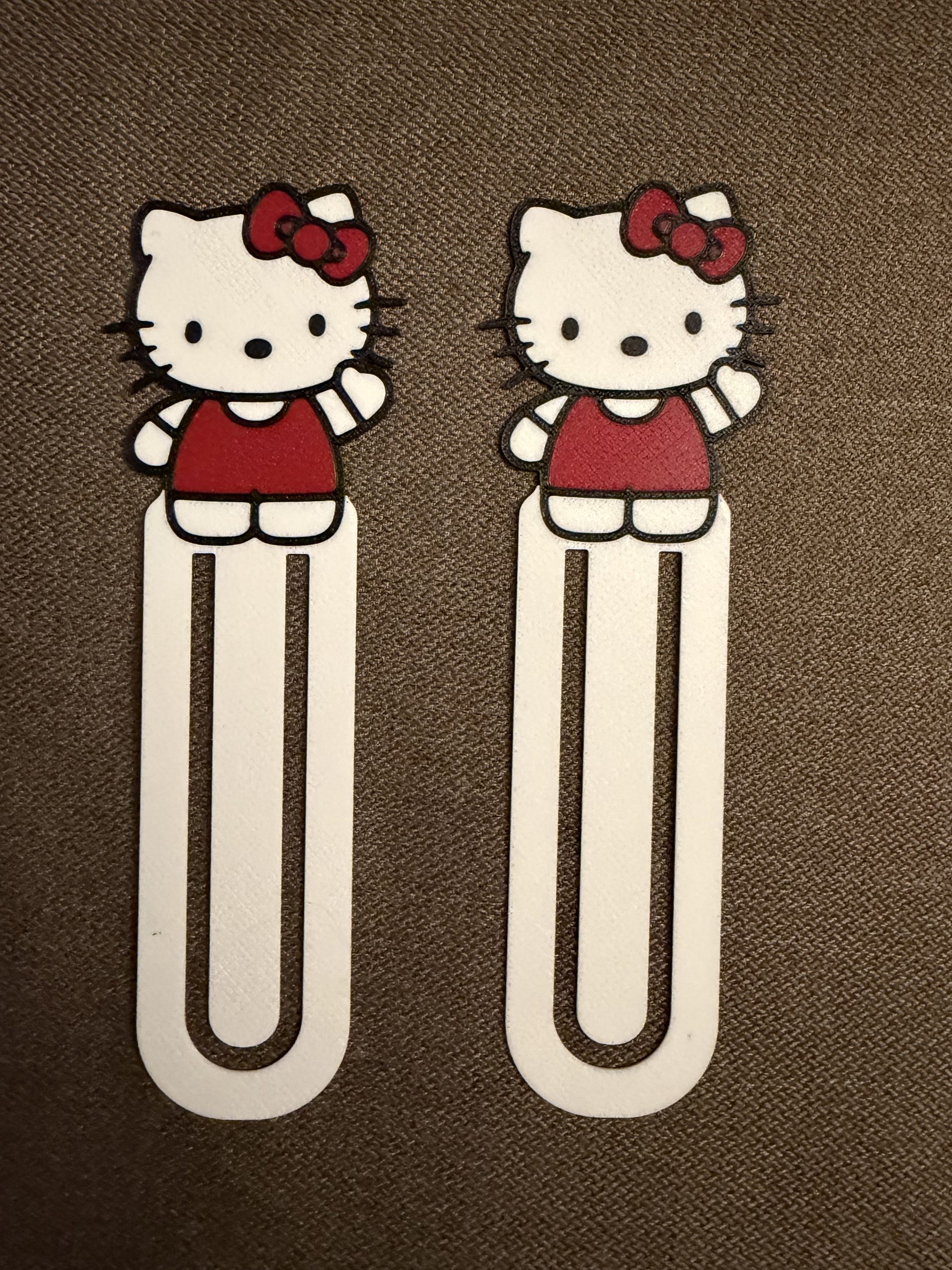
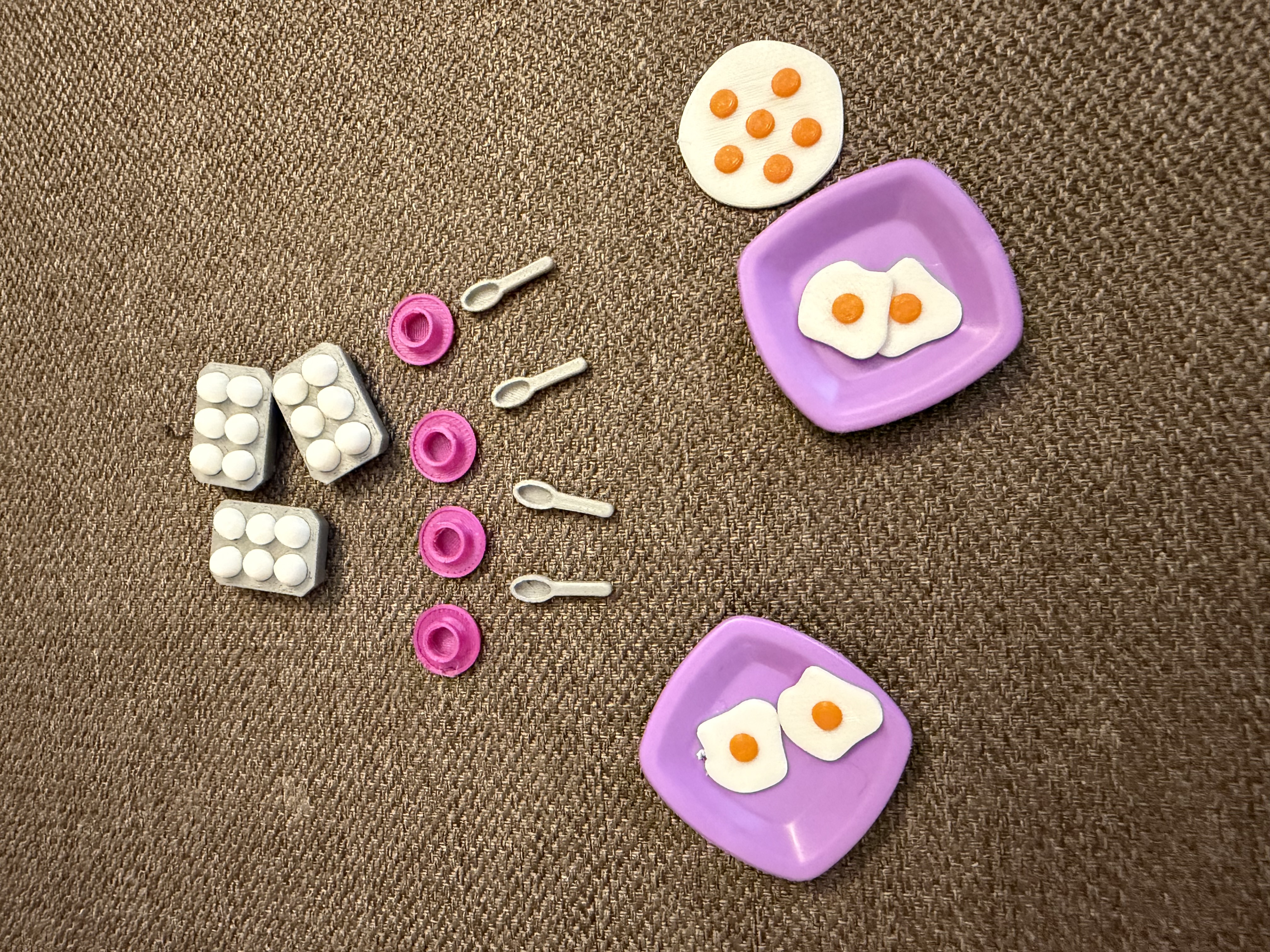
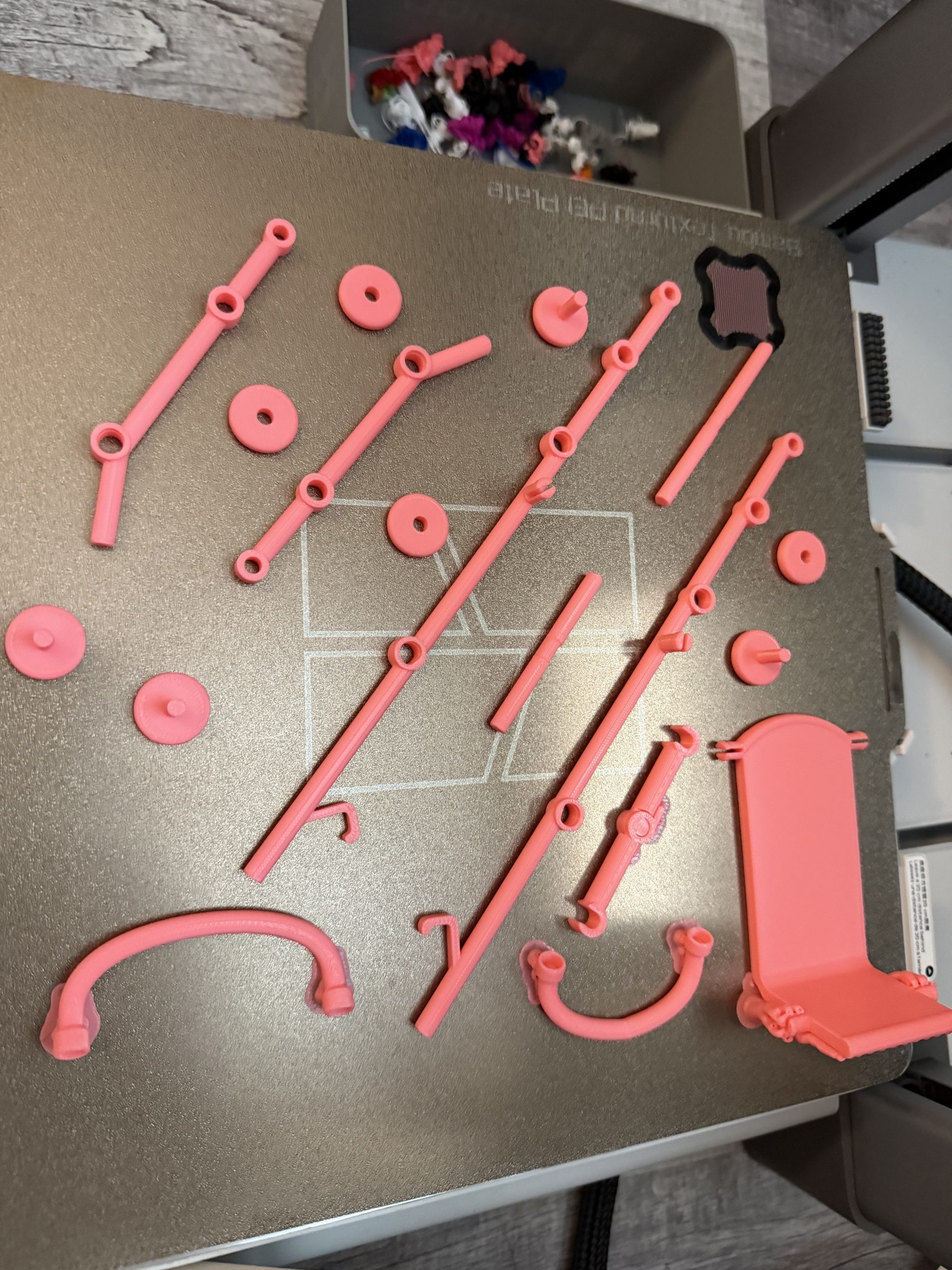
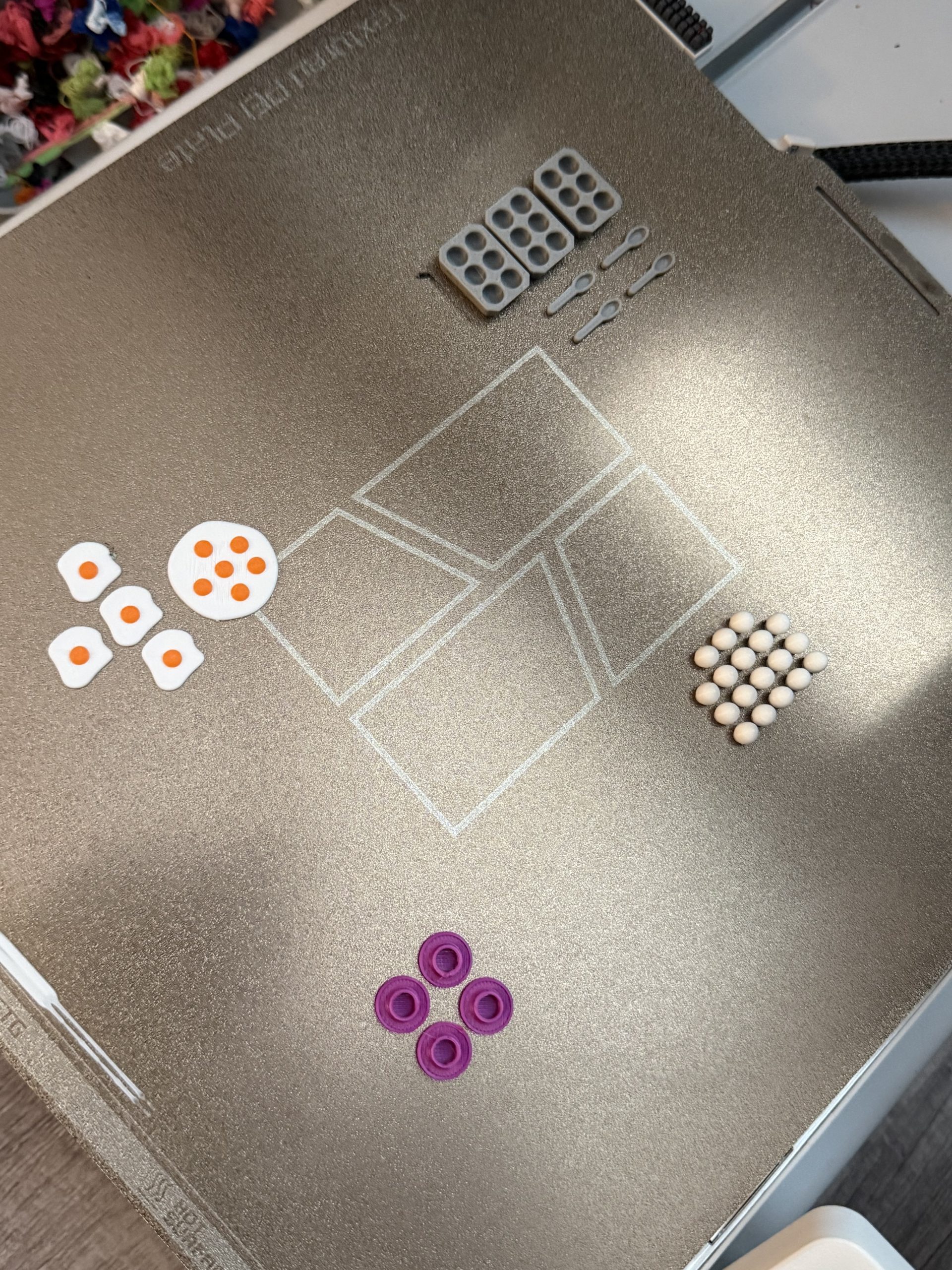
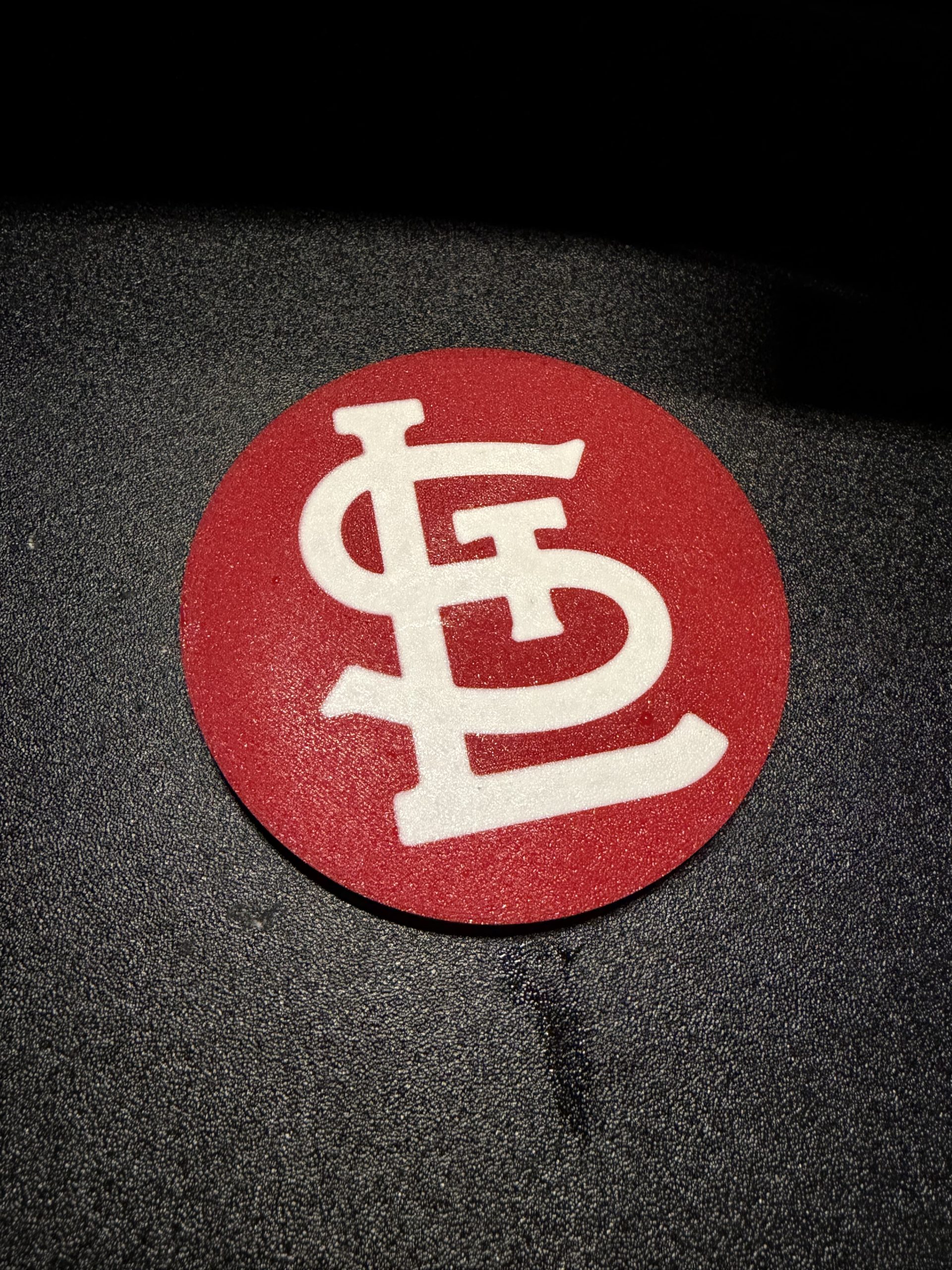
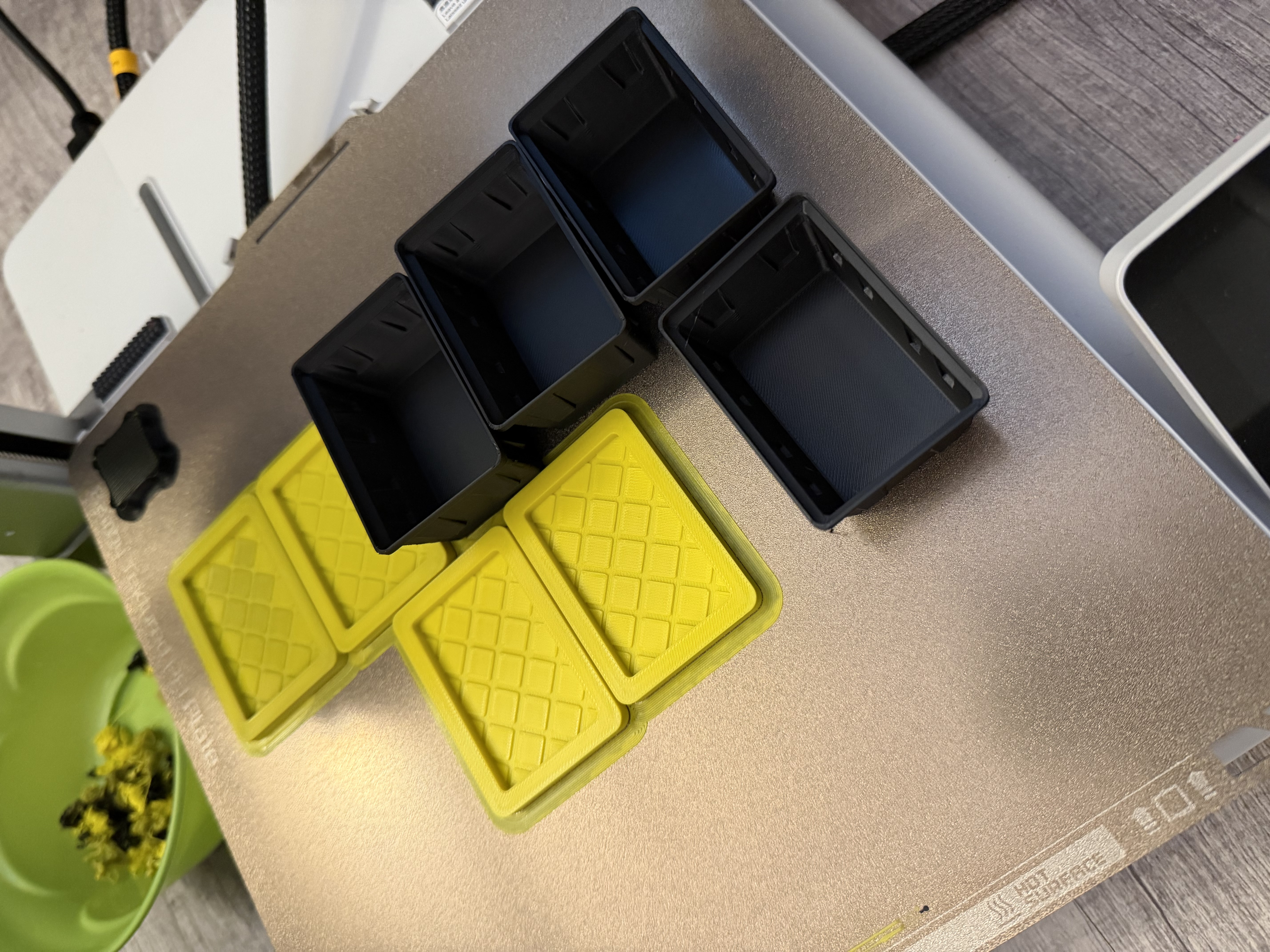
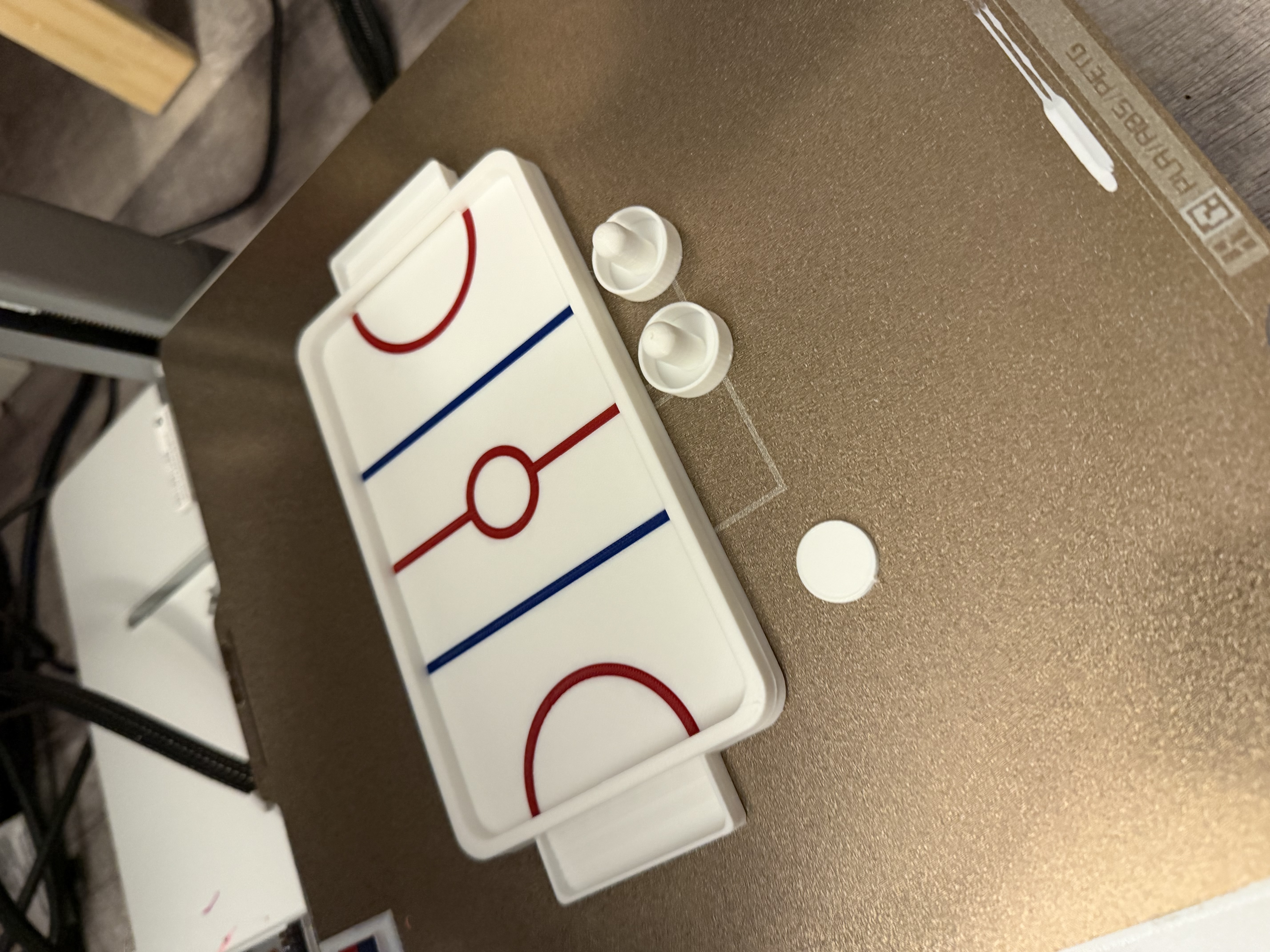
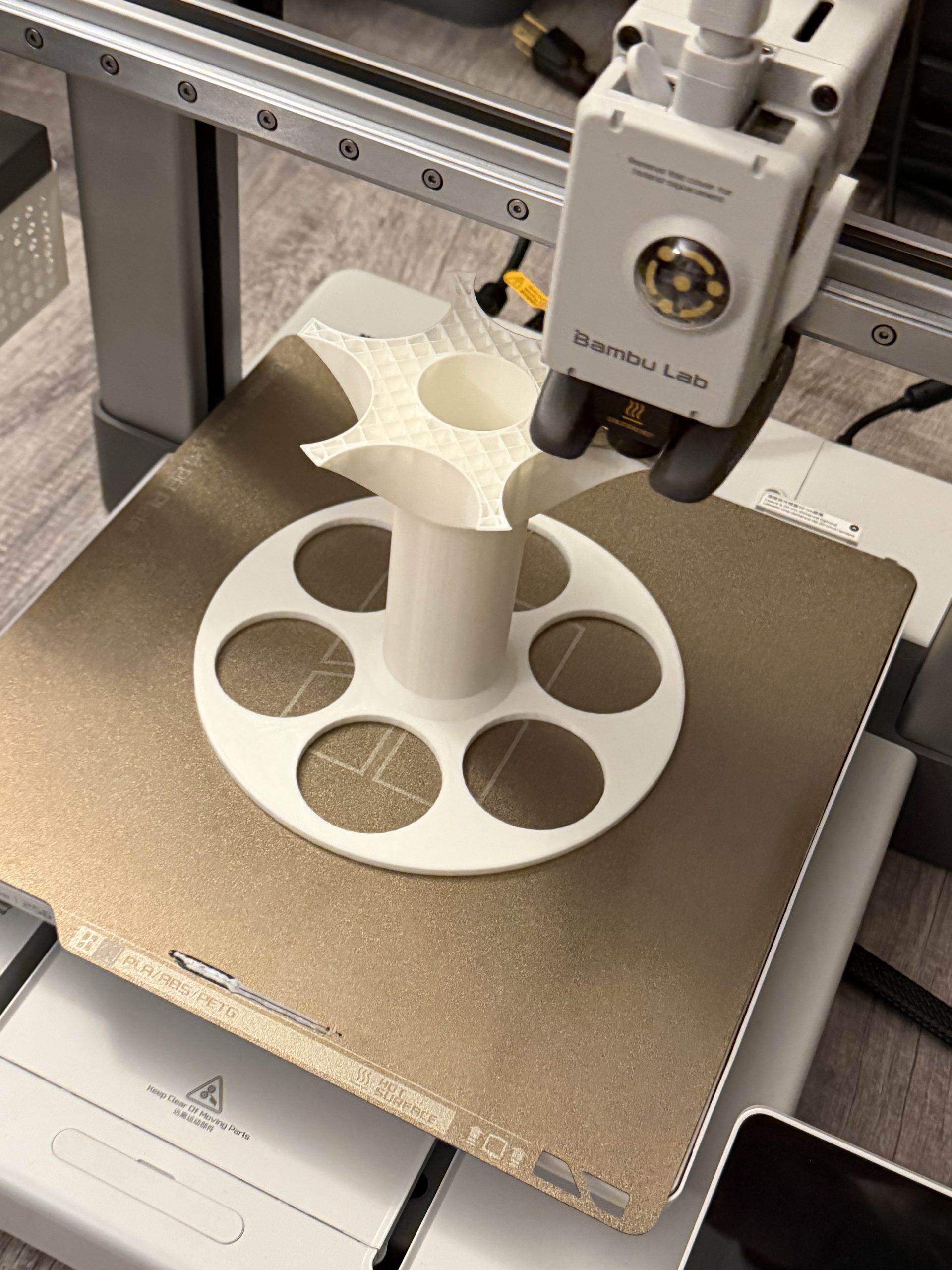
What stands out most is consistency. The print quality is clean right out of the box. I have printed over 40 items over the last two months and have had two failed prints. One I think was the file and the other was not cleaning the plate.
Otherwise, I have gotten the following:
- Excellent layer lines
- Great dimensional accuracy
- Strong parts even with low infill
- Minimal tuning required
- Very few failed prints
If you’re trying to start a small 3D printing side hustle, sell items online, or just want dependable results, the Bambu Labs A1 reliability makes it a fantastic choice.
Pros & Cons of the Bambu Labs A1
Here’s a quick breakdown to help you decide if the A1 is right for your needs:
The Pros
✔ Effortless Setup – Clear instructions, minimal assembly
✔ User-Friendly Software – Easy to learn on both PC and phone
✔ AMS Lite Multi-Color Capability – Smooth multi-filament printing
✔ Excellent Print Quality Out of the Box – No hours of tweaking required
✔ Consistent Reliability – Works day after day with few failed prints
✔ Great for Beginners & Advanced Users – Easy start, still powerful
✔ Quick Calibration & Auto-Leveling – Saves time and frustrations
The Cons
✖ Limited Advanced Customization Out of the Box – Some users may want deeper tuning options
✖ AMS Lite Adds Cost – Extra accessory cost for color printing (unless you get it on special)
✖ Print Volume Isn’t Huge Compared to Some Enthusiast Models
✖ The camera sucks
Who the Bambu Labs A1 Is Perfect For
This printer hits a sweet spot between beginner-friendly and powerful:
- Beginners who don’t want setup frustration
- Parents printing toys and organizers
- Makers selling small products
- Side-hustlers creating custom items
- Hobbyists tired of constant tuning
- Anyone who wants multi-color prints without chaos
If you’ve ever said, “I want a 3D printer that just works,” this is pretty much that.
Final Verdict: Is the Bambu Labs A1 Worth It?
After two months of real-world use, the answer is easy: Yes.
The Bambu Labs A1 with AMS Lite delivers:
- Easy setup
- Beginner-friendly design
- Powerful multi-color printing
- Reliable performance
- Clean, modern software
- Consistent print quality
It removes most of the pain points that normally come with owning a 3D printer and replaces them with something that actually feels fun to use. Not to mention, your kids’ friends will love that you can get them some cool fidget toys from their dad’s 3D printer.
If you’re searching for the best 3D printer for beginners, a reliable home 3D printer, or a multi-color 3D printer that doesn’t drive you crazy, the Bambu Labs A1 deserves a serious look.